Your Inbox Is Already a CRM
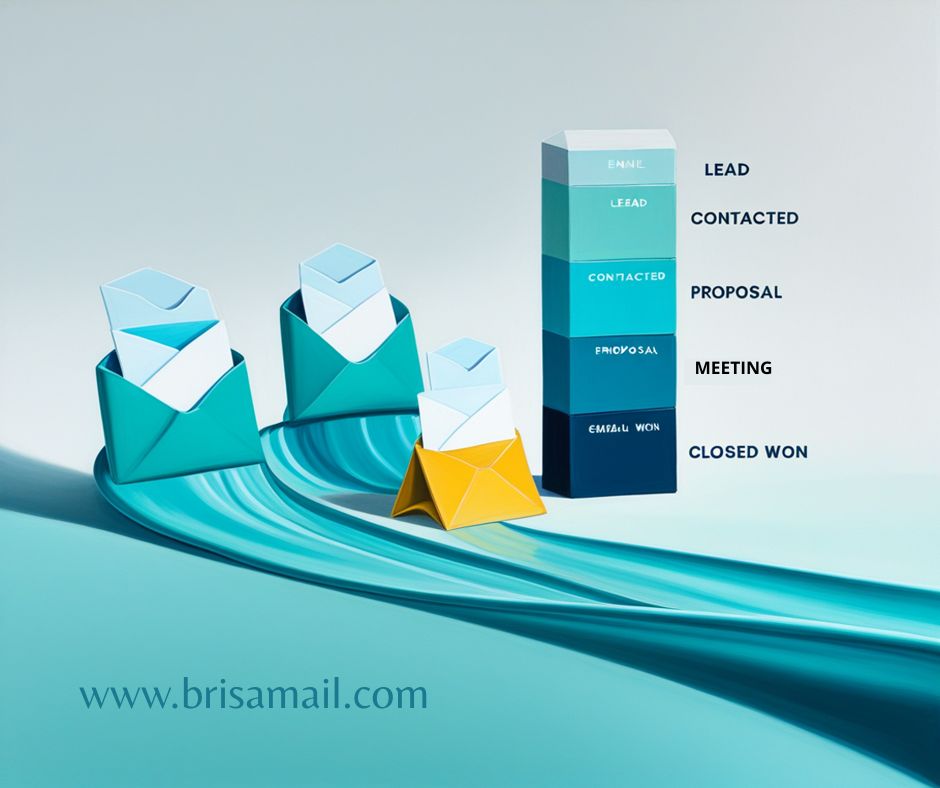
Mariana runs a digital marketing consultancy. Her leads come by email: contact forms, proposal replies, referrals. For months she tracked them in a spreadsheet. Some got lost among hundreds of messages. Others went unanswered for days. The day she lost a $2,000 client for not responding in time, she decided she needed a CRM.
What she didn't know is that she already had one.
The problem nobody names
Most freelancers and small sales teams share a pattern: their leads live in email. First contact is an email. The proposal goes out by email. The negotiation moves forward by email. The close is confirmed by email.
So why leave email to manage the sale?
The classic answer is to install an external CRM — Salesforce, HubSpot, Pipedrive. Powerful tools, no question. But for a team of one to five people, the result is usually the same: two weeks of excitement configuring fields and pipelines, followed by months where nobody updates anything because it means double work. You log the lead in the CRM, but the conversation stays in email. You copy and paste. You jump between tabs. Eventually, you go back to the spreadsheet.
The problem isn't a lack of tools. It's friction.
A pipeline inside your email client
BrisaMail includes a Kanban board system built directly into the application. Among the available templates is one called Sales Pipeline, with a ready-to-use sales funnel:
Lead → Contacted → Meeting → Proposal → Closed Won → Closed Lost
Six columns representing each stage of the sales process. It comes with four pre-configured labels — Enterprise, SMB, Hot, Cold — to classify opportunities at a glance.
But the interesting part isn't the board itself. It's that it's connected to your emails.
From email to opportunity in two clicks
When Mariana receives an email from a new lead, she doesn't need to open another app or copy data. From the reading pane she clicks "Add to board," picks the "Lead" column, and that's it. BrisaMail creates a card linked to the original email.
The card keeps a direct link to the message. At any point she can click "Open Email" and jump back to the full conversation. No copying and pasting. No duplicate data. The email is the record.
If AI is enabled, BrisaMail automatically suggests a title and description for the card based on the message content. An instant summary of what the prospect wants.
Follow-up that doesn't depend on your memory
This is where Mariana's story changes. That $2,000 client wasn't lost because she didn't have a CRM. It was lost because she sent a proposal on Friday and forgot to follow up on Tuesday.
BrisaMail has a built-in follow-up reminder system. When you send an important email — a proposal, a quote, a key question — you activate follow-up with one click on the bell icon. You choose when you want to be reminded: tomorrow, 2 days, one week, or a custom date.
From there, BrisaMail works in the background. Every 15 minutes it checks whether you received a reply. If the lead responds, the reminder cancels itself. If they don't, when the deadline hits:
- The card appears in the Follow-ups virtual folder with an amber icon.
- You get a notification.
- The sidebar badge turns red.
There's no way to ignore it. And that's exactly the point.
Automate without configuring
Kanban board columns have automatic actions that trigger when you move a card. In a sales context, this means:
- Move a card to Contacted → the email is automatically marked as read.
- Move to Closed Won → the card is marked as completed and the email gets starred.
These are simple automations, but they eliminate the micro-steps that make people abandon the process. Every click you save is one more day the system stays up to date.
Prioritize with your eyes
Not all leads are worth the same. BrisaMail lets you assign priority to each card — Low, Medium, High, Urgent — with a colored border visible on the board. One glance at the pipeline and you know exactly where to focus your energy.
Due dates work the same way: a proposal due tomorrow shows a red alert icon. Overdue opportunities don't hide — they confront you.
And checklists inside each card let you define lead qualification steps:
- Confirm budget
- Schedule demo
- Send custom proposal
- Review with decision-maker
A progress bar shows how far along you are. The board becomes a visual map of your entire sales process.
Metrics without reports
The board includes a stats view that answers the basic questions of any pipeline:
- How many active opportunities do I have? Total cards.
- What's my close rate? Completion percentage.
- How many are overdue? Overdue counter.
- Where are they piling up? Bar chart by column.
It's not a BI dashboard with 47 charts. It's the information a freelancer or small team actually needs, without exporting anything or connecting integrations.
Recurring tasks for prospecting
Every first Monday of the month, Mariana dedicates two hours to cold prospecting. She used to set a phone alarm. Now she uses Kanban recurring tasks: she configured a monthly task called "Prospecting $month" that automatically appears in the "Lead" column on the 1st of each month, with a due date on the 5th.
The task includes a checklist with her prospecting channels and a High priority so it doesn't get lost among other cards. When the month changes, a new task appears with the current month's name. No manual intervention.
Who this works for (and who it doesn't)
Let's be direct: this does not replace an enterprise CRM. If you manage 500 simultaneous leads, need automated scoring, integrations with 12 tools, and reports for a team of 30 salespeople — you need Salesforce or something equivalent.
But if you're a:
- Freelancer managing 5-30 active prospects
- Consultant tracking sent proposals
- Small business with 1-5 people in sales
- Independent professional who lives in their inbox
Then you already have everything you need. No additional subscription. No extra password. No three-week learning curve.
The CRM you'll actually use
The best productivity system is the one you actually use. A CRM that lives inside your email client — where you already spend half your workday — has an advantage no external tool can match: zero friction.
Mariana didn't lose any more leads. Not because she found a better tool, but because she stopped needing a separate one.
Your inbox is already a CRM. You just needed to see it that way.